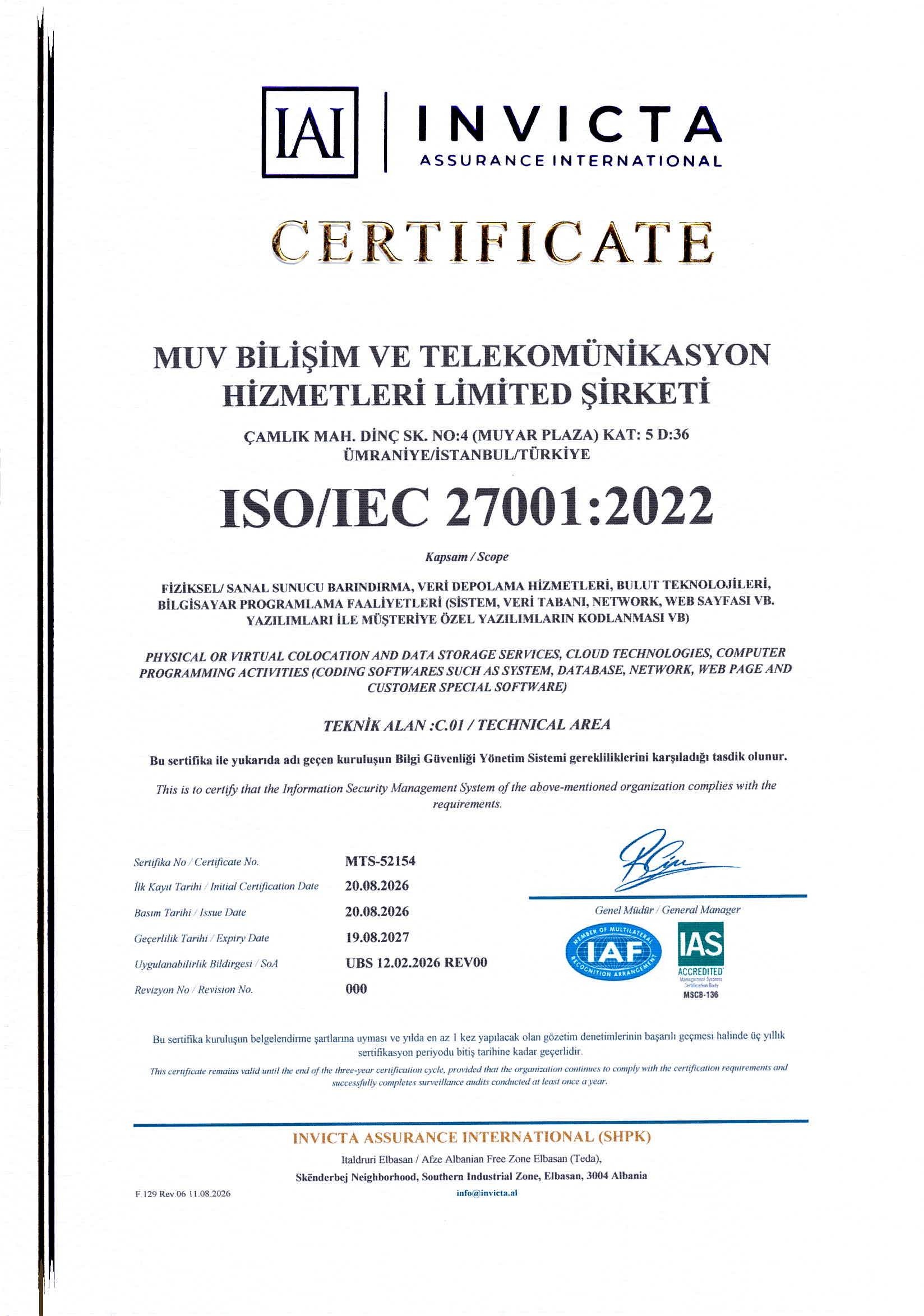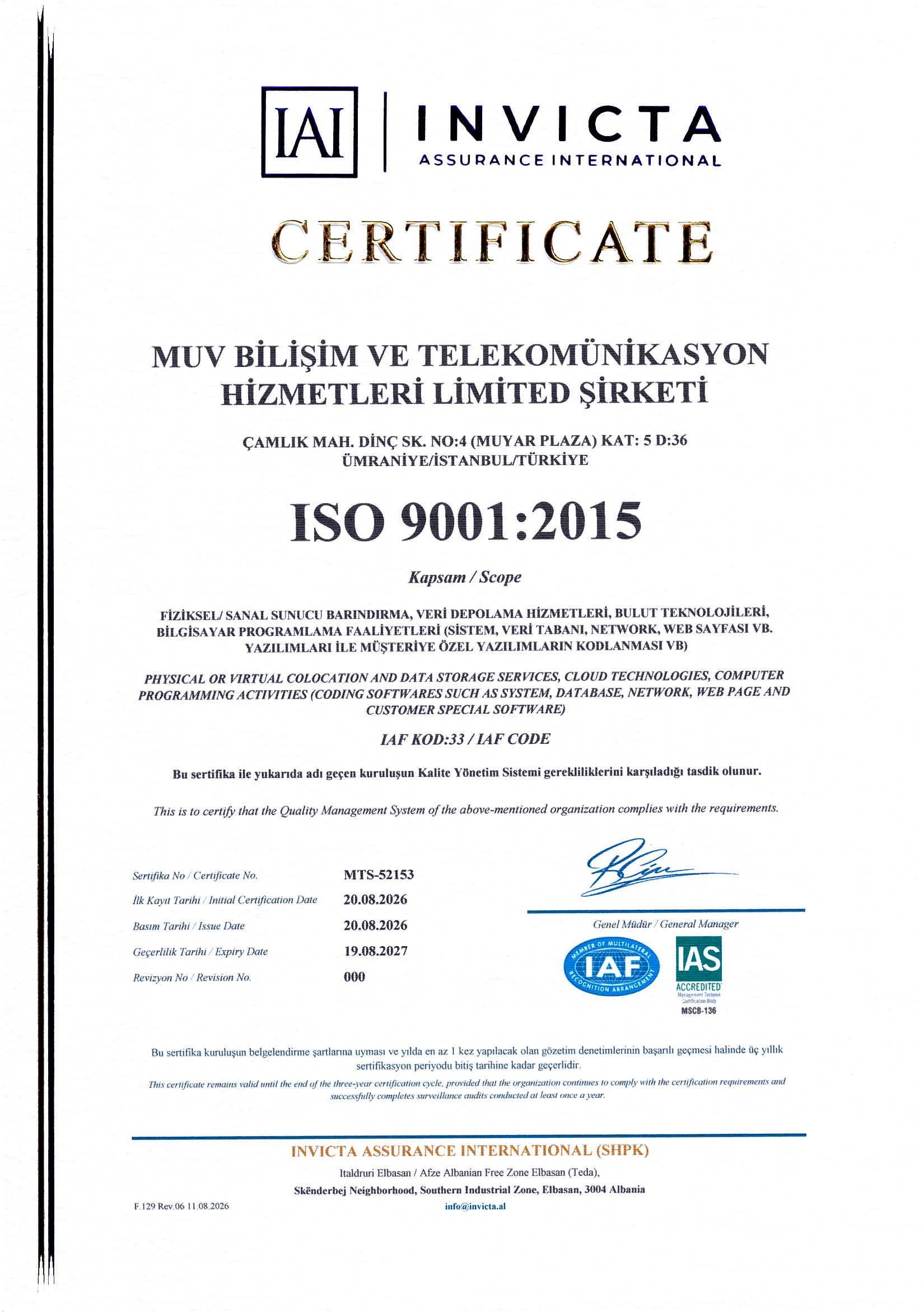
How do I log in to the client area, and what if I forgot my password?
Log in at /id with the email and password on the account. If you forgot the password, use the reset link on the login screen. A link is sent to the registered address. If the mail does not arrive, check the spam folder or write to the support team. Identity verification may be requested.
How do I turn on two-factor authentication?
After you log in, enable two-factor authentication from the account security (user security) page. Scan the QR code with an authenticator app and store the backup codes. If you lose the device, you need a backup code, or support, to recover the account.
Can I add another user to my account?
Yes. From user management in the client area you can invite another person. Permissions such as billing or support can be limited. Use an invite instead of sharing the password. The main account owner is responsible for all services.
How do I update my contact details?
In the client area, under account details, you can update the name, address, phone, and invoice name. Changing the login email may require a security step. Reminders go to that address, so use a mailbox that is correct and that you can reach.
Why is identity verification requested?
An identity document may be requested for a suspicious registration, a card dispute, or a legal obligation. If the details cannot be verified, the service is not opened, or it may be suspended. Do not paste documents into a support ticket as plain text. Send them through the secure channel the team directs you to.
How do I delete my account and my data?
After you cancel active services, send an account-deletion request in a support ticket. Invoices and records that must be kept by law may remain for the periods required by Turkey’s Personal Data Protection Law (KVKK, Law No. 6698) and by Turkish tax rules. KVKK applies to people in Turkey. It is not US law. Files on your site are also deleted from backups. Open the request from the account owner’s email.
I received a suspicious email in MUVCloud’s name. What should I do?
Do not click the link and do not enter a password. Real messages come from muvcloud.com addresses. Type the panel login into the browser yourself. You can forward the suspicious message to [email protected], or use the abuse form.
How do I send access details to the support team safely?
Do not put panel, FTP, or server passwords in the first ticket text, in WhatsApp, or in email. After the ticket is open, say that you will send the password through a secure channel, and use the method the team directs you to. Change the temporary password when the work is done. Keep two-factor authentication on.
No question matches this search. Try another word, or search the whole Help Center.

No Limits on Service or Support
You are not on your own as your projects grow. Our support engineers are ready 24/7, on several channels, whenever you need them.

- 100% customer satisfaction goal
- Our own hardware
- BTK hosting provider
- 4 countries with locations