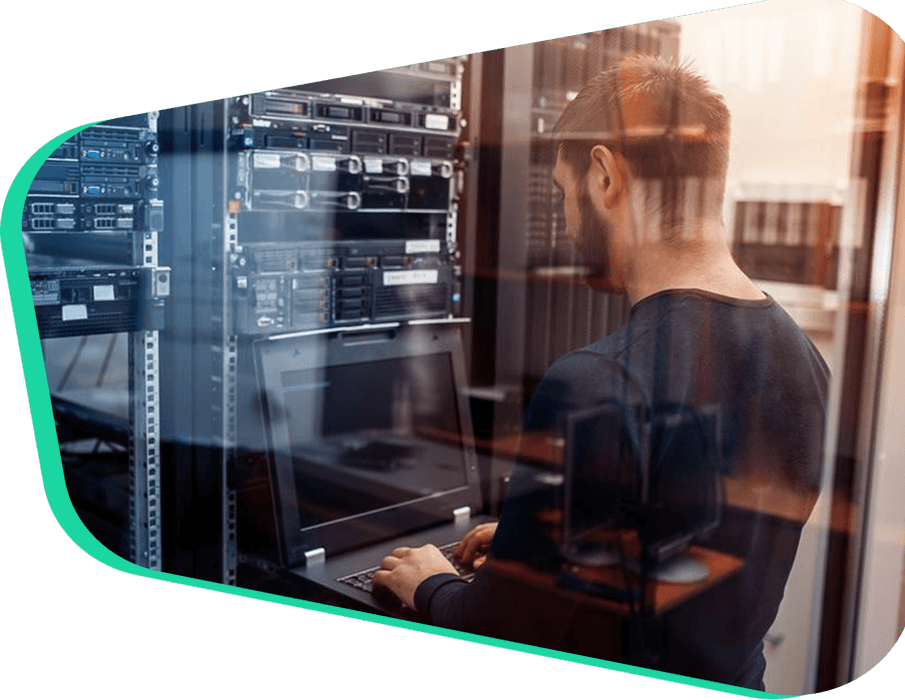
Visit the dedicated server page to see physical servers.
View Plans
The server runs on QEMU/KVM. CPU and memory are reserved for you and are not affected by a neighbor's load.

Use the free Turkish server control panel to manage the server.
Projects that need a lot of CPU and RAM can use up to 2000 GB of SSD and up to 128 GB of RAM.

When a project needs more resources, you can raise them immediately without taking the server down.
Every cloud server is watched 24/7 under standard DDoS protection and sits behind the firewall.

The server hardware is there for heavy processing.

Moving a virtual or cloud server from another provider to MUVCloud includes free setup and migration help.

Remote reboot, console access, and reinstalls are included, so you stay in control of the server.

Server management takes specialist help. Our engineers are available 24/7 by email and phone.
Free Control Panel . Free Setup . Free Migration . Standard DDoS Protection
Your cloud server runs on QEMU/KVM. CPU and memory are reserved for you and are not shared, so a neighbor's load does not show up in your performance. Disks are Enterprise NVMe SSD on all-flash NVMe storage. Bandwidth is 1 Gbps. Choose the operating system, and move up a plan when you need more.
The free cloud control panel includes remote reboot, console access, and reinstalls, so you can manage the server yourself. When you need help, the server team provides standard cloud-server support by email and phone, 24/7.
Add a license, a domain, and security to your dedicated-resource QEMU/KVM server from one customer account.
cPanel, Plesk, LiteSpeed ve CloudLinux
12.90 $/mostarting from View
DDoS and firewall protection
10.00 $/mostarting from View
Your own server, Xeon, and 1 Gbps
44.90 $/mostarting from View
Registration, transfer, and WHOIS privacy
.com.tr 8.95 $/yr1-year registration ViewNeed more detail on cloud server services?
It is a virtual server hosted on the internet and scaled to what you need. It suits web, application, test/staging, and mid-size workloads. You get root access and a choice of operating system. After you pick a plan and setup finishes, you manage it from the panel.
In the market, all three names are used for a virtual server. MUVCloud cloud servers run on QEMU/KVM with the CPU, RAM, and disk stated on the plan. “Dedicated resources” means the allocation is not shared. If you want a physical server, see the dedicated page.
Our cloud servers run on Proxmox VE with QEMU/KVM. The Turkey, Netherlands, and United States locations use the same QEMU/KVM-based infrastructure.
With a card payment, setup usually starts shortly. With a bank transfer, it finishes after the receipt is confirmed. Access details for the operating system you chose appear in the panel.
If your users are mostly in Turkey, the Turkey location gives the lowest latency. For Europe, the Netherlands (Amsterdam) is the fit. For the United States and North America, the United States location is the fit. If KVKK, Turkey’s Personal Data Protection Law (Law No. 6698), or a need to keep data inside Turkey applies to you, choose Turkey. KVKK applies to people in Turkey. It is not US law.
Turkey cloud plans include one free backup and one snapshot. Netherlands and United States plan cards do not list that allowance. Take your own backups, or ask support about image-backup options. Security updates and application backups are part of managing the server.
A resource increase is planned from the panel. A CPU or RAM change may need a short reboot. Growing the disk can be a separate step. If it is planned correctly, data is not deleted. If you bought the wrong plan, the support team can help with the change.
Plans specify a 1 Gbps port. If a monthly quota or overage fee is not written separately on the plan or order screen, fair use applies. Support may contact you about unusual, continuous high traffic. Check the order page for the current terms.
Yes. Cloud servers include standard DDoS protection and firewall monitoring. A large or long attack may need an extra Firewall / Voxility plan. The options are on the protection page.
The cloud server is unmanaged. The operating system, software, updates, and security are your responsibility. A free control panel, console/reboot, and 24/7 email and phone support help on the network, hardware, and panel side. It is not a fully managed service.
You can install Windows, AlmaLinux/CentOS, Ubuntu, and Debian. For a system that is not on the list, talk to support. Linux is common for web workloads. Windows is the usual choice for .NET. A Windows license may be an extra charge, depending on the order options. Confirm it in the cart or with support.
Yes. On Linux you get root (or sudo). On Windows you get Administrator. You can also reach the server through the console and the reinstall panel.
You can request an extra IPv4. Availability and price are confirmed on the order or with support. IPv6 support can vary by location. State what you need in a support ticket.
Technically you can install your own mail software. Outbound port 25 (SMTP) depends on the location and the anti-spam policy. If the port is closed, you may need a relay or an alternate port. Before you order, ask support about the status for your location.
Yes. With root access you can install cPanel or Plesk. You can buy the licenses from the MUVCloud license store. Open a support ticket if you want help with installation.
We accept Visa and Mastercard, and bank transfer. The amount due is shown in the cart.
Workloads that follow the law and the terms of use are allowed. Heavy bandwidth abuse, or illegal proxy/VPN traffic, is not accepted. If you are unsure, write to support before you order.
Yes. The support team can help with a change of plan, location, or operating system. It is planned around whether data needs to be moved.

You are not on your own as your projects grow. Our support engineers are ready 24/7, on several channels, whenever you need them.


Revive IT Solutions LLC
Dallas, Texas
United States

 Bank transfer



 Windows
 CentOS / AlmaLinux
 Ubuntu
 Debian
 cPanel
 Plesk
Plesk
 Other OS